Search
The search page allows you to search for entities based on chosen criteria or filters.
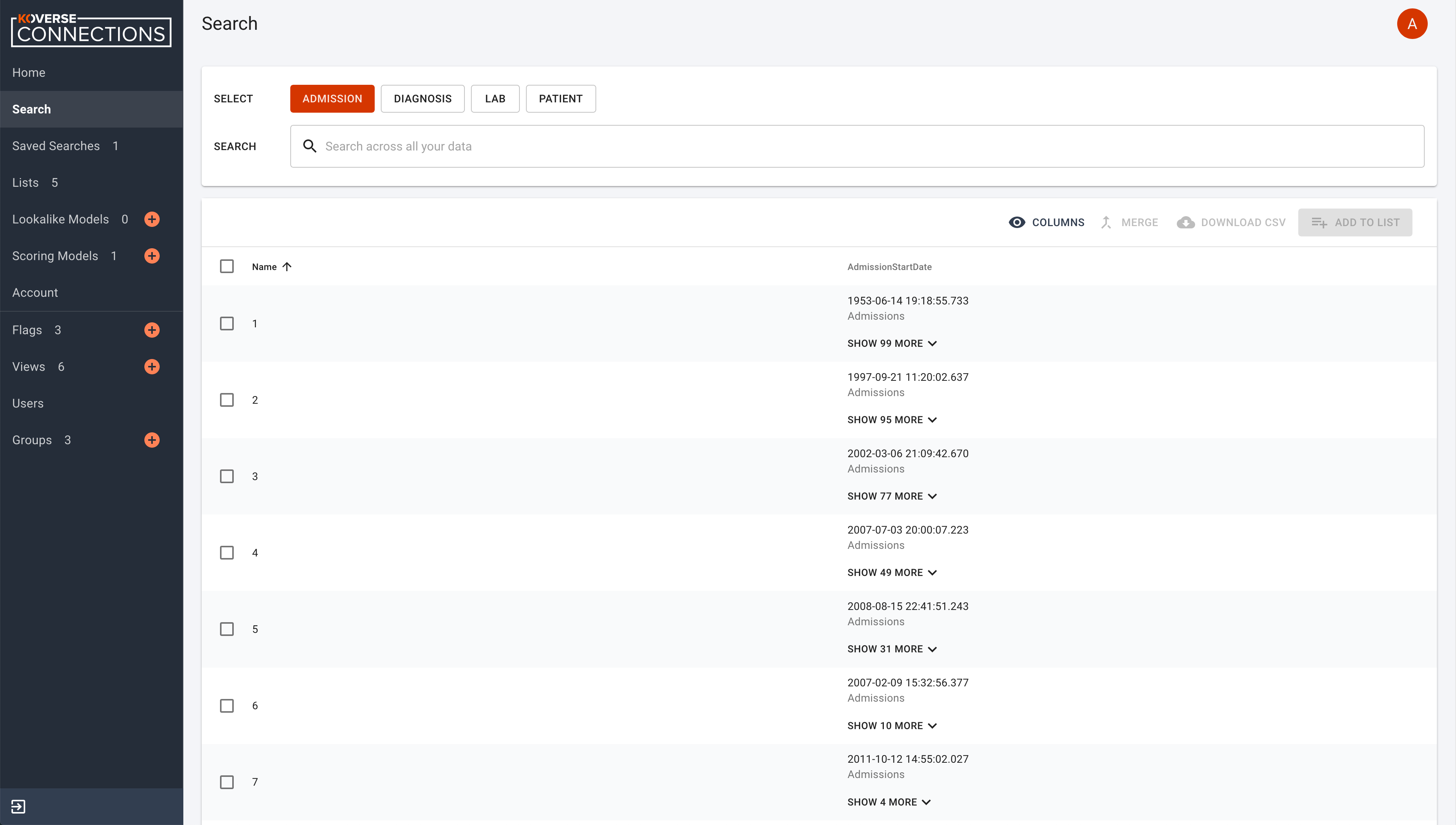
Search criteria can include:
- Object type
- Text filter
- Applicable value names
Clicking on an object type will display all associated entities in the results list.
With the search field, after you enter text, press return to apply the text entered as a filter.
Use the “Filter By” selections to choose properties of an object to filter.
To remove a filter, simply click the “X” next to the property.
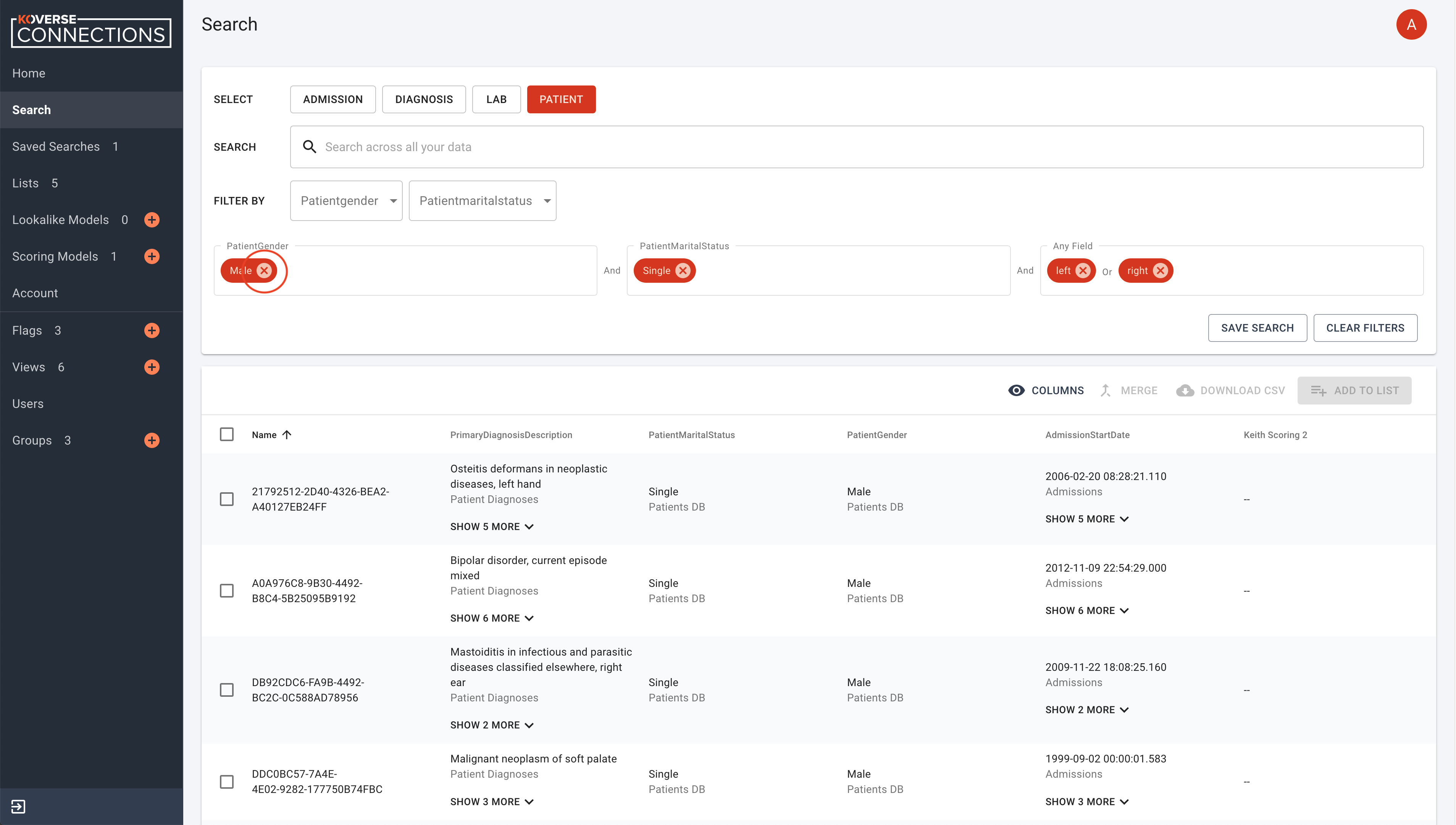
You can also click on “CLEAR FILTERS” to remove all currently applied filters.
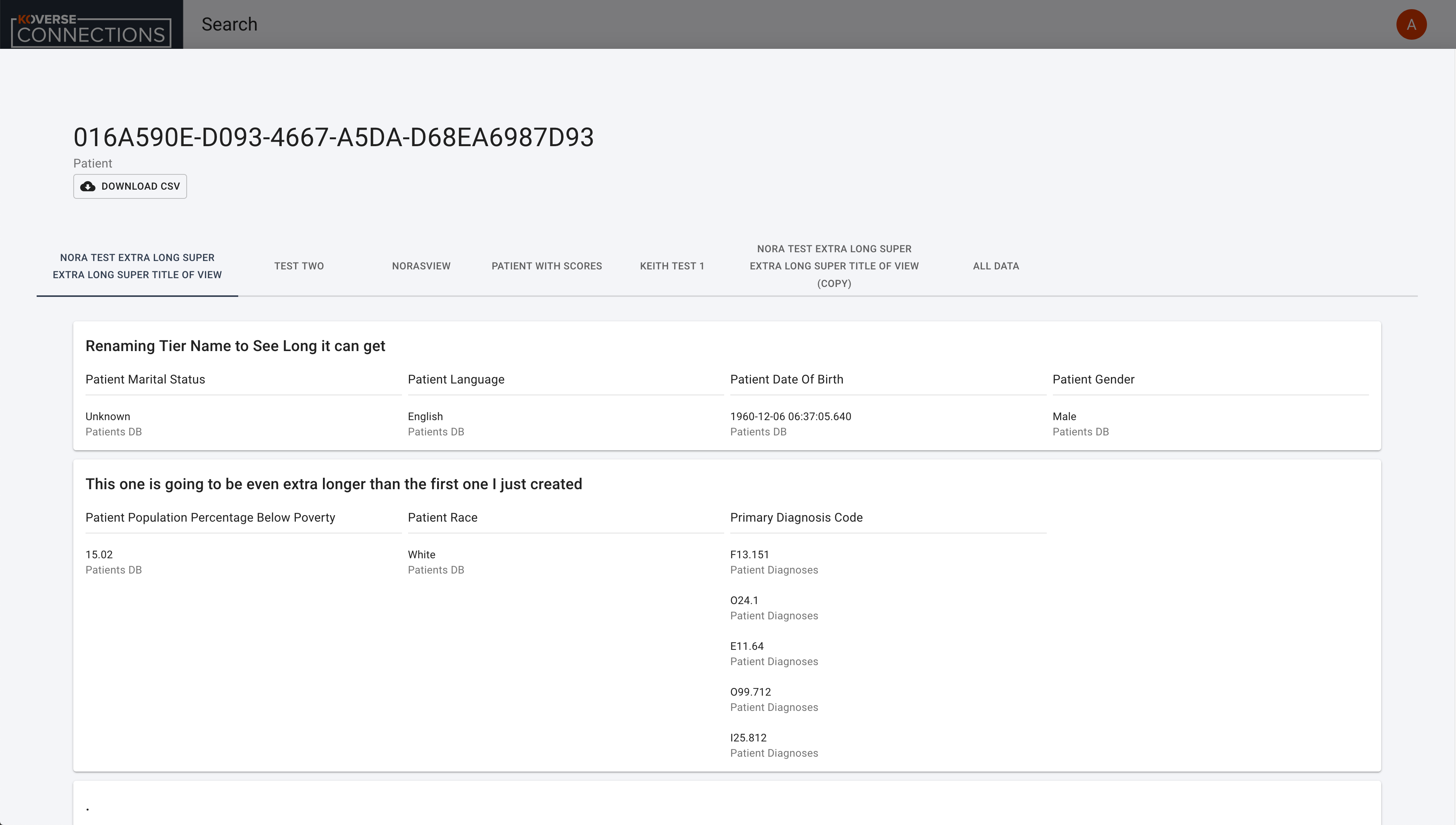
Clicking on an object in the seach results will display a view of that object with its associated view tabs. Each view is customizable.
You can also: