Reference
Object Table Actions
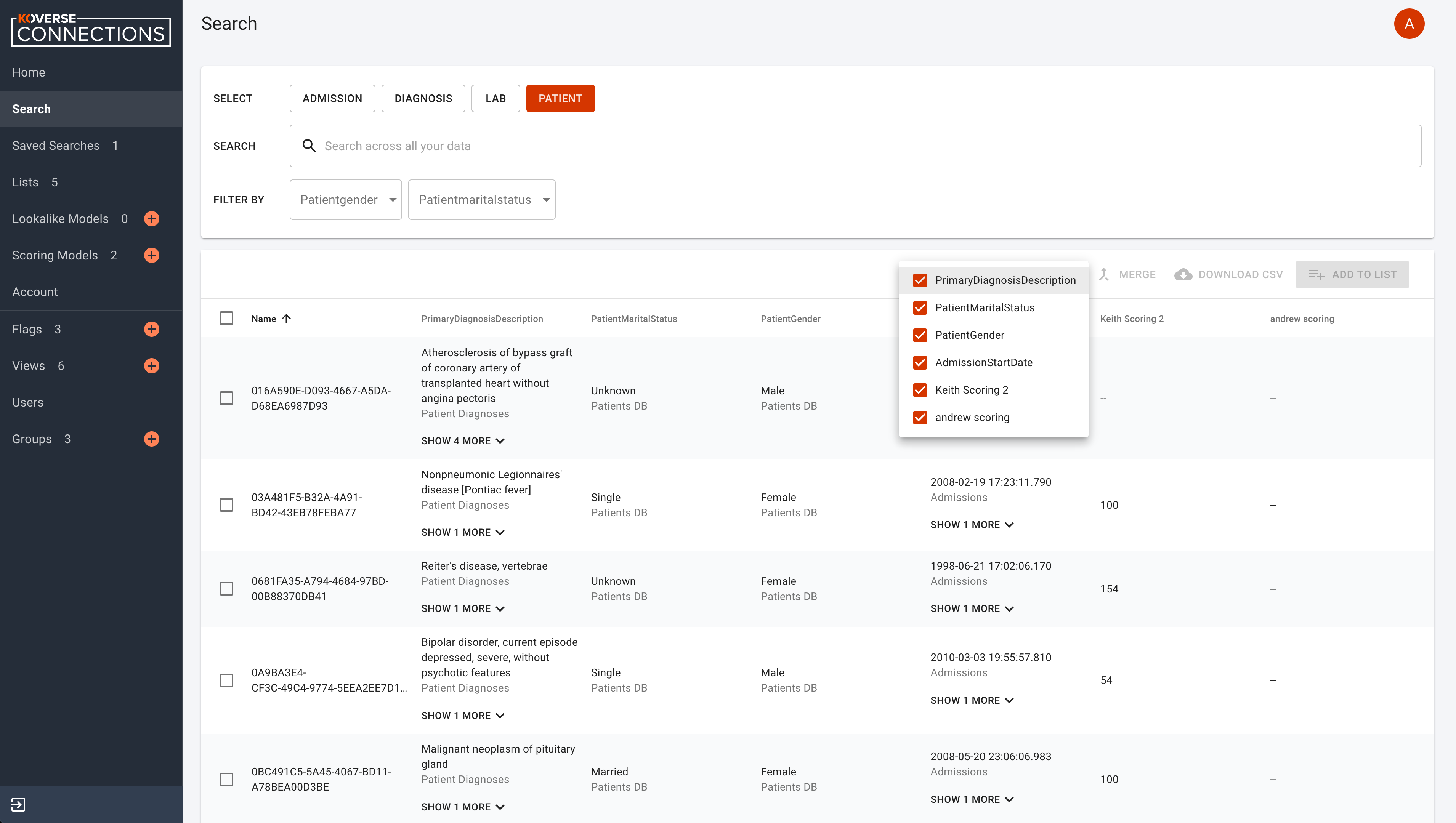
Hide or Show Attributes
To hide or show specific attribute columns, click on the eye icon and select or deselect the attribute columns you wish to see.
Merge Entities
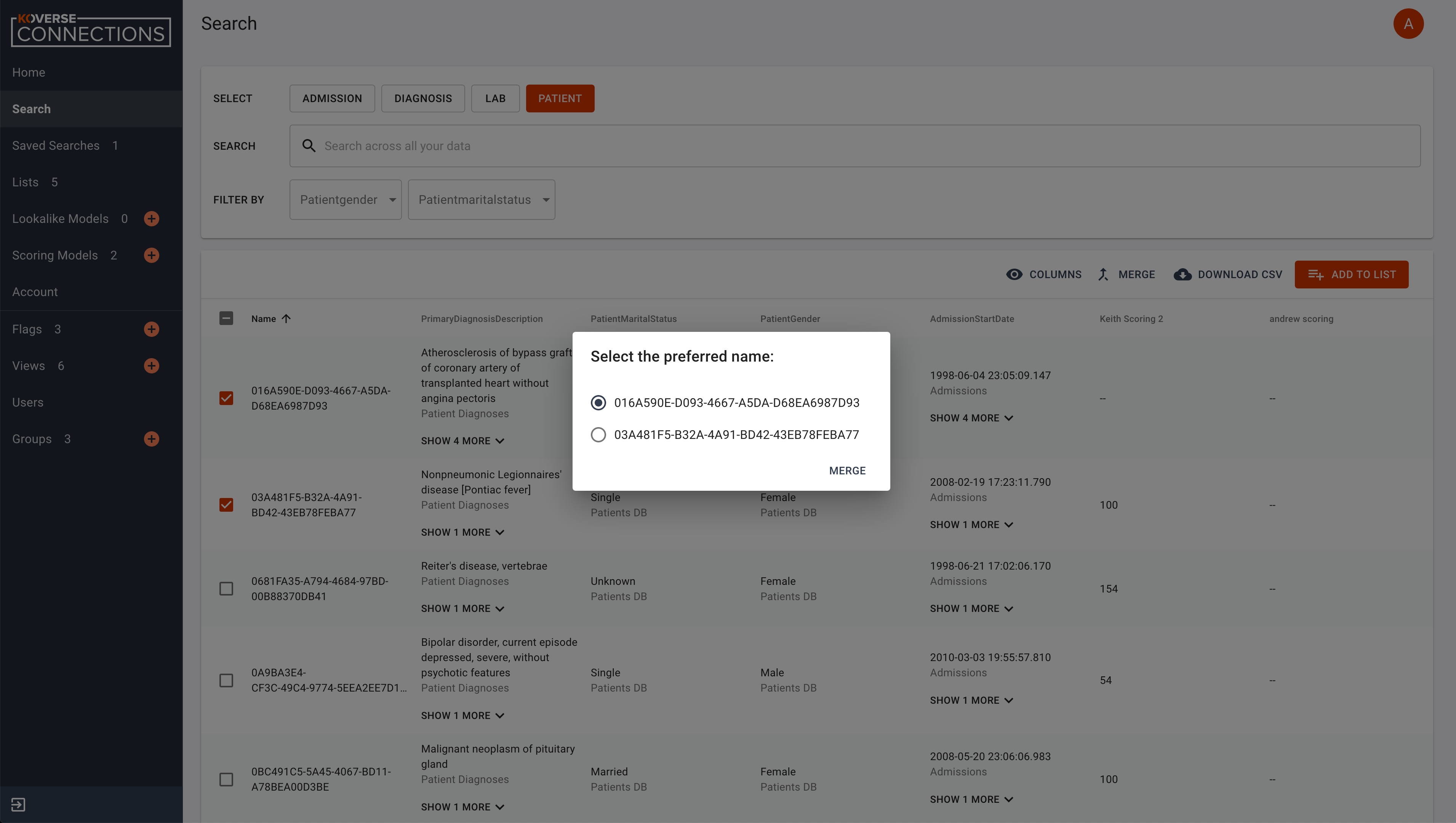
You will be asked to select the preferred name for this merged object. To merge two or more entities, select the entities you want to merge and click the “Merge” button.
You will be prompted to select the preferred name for this merged object.
Download a CSV of Entities
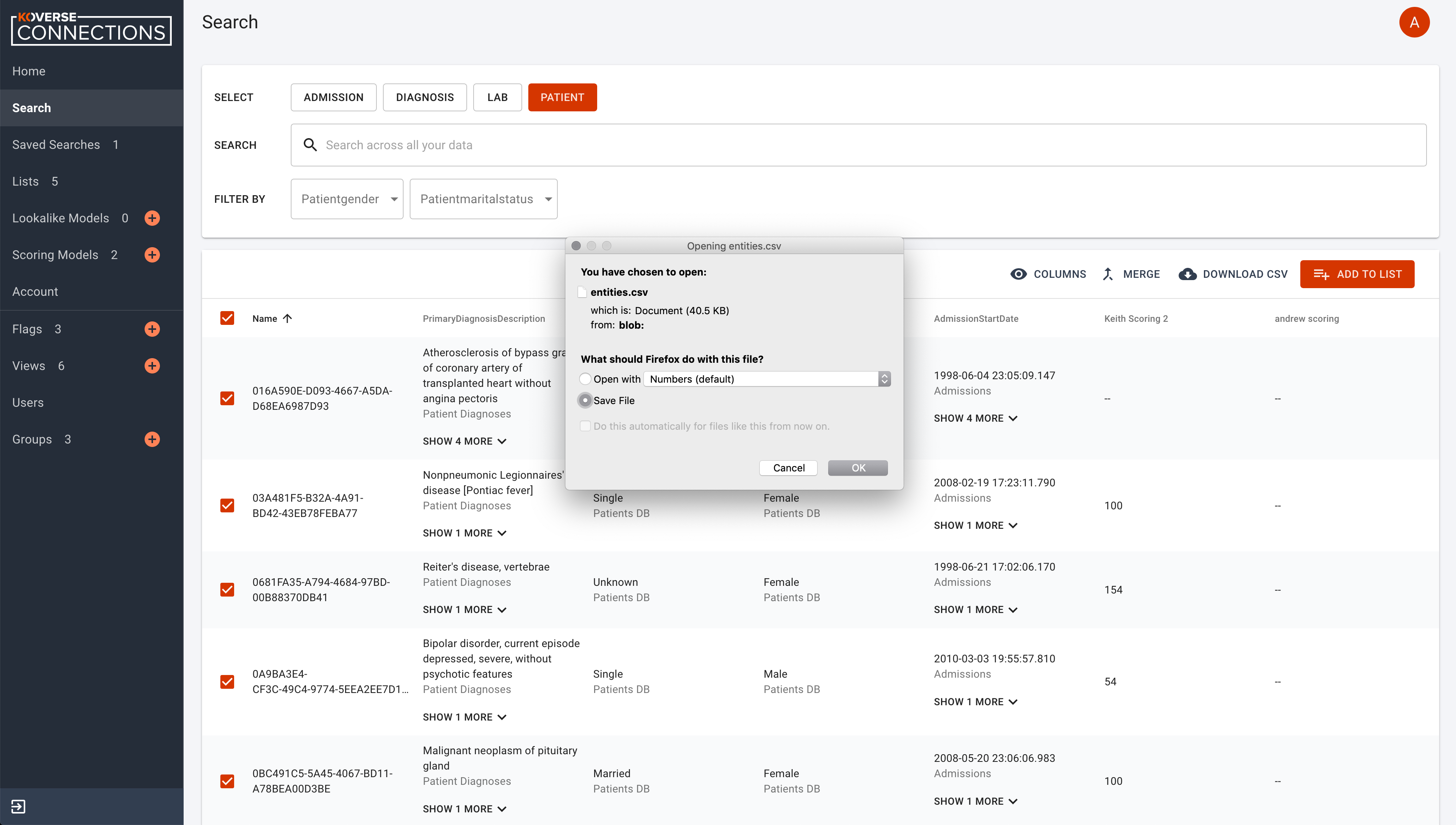
To download a CSV of one or more entities, select one or more entities and click the “CSV” button.
Add to List
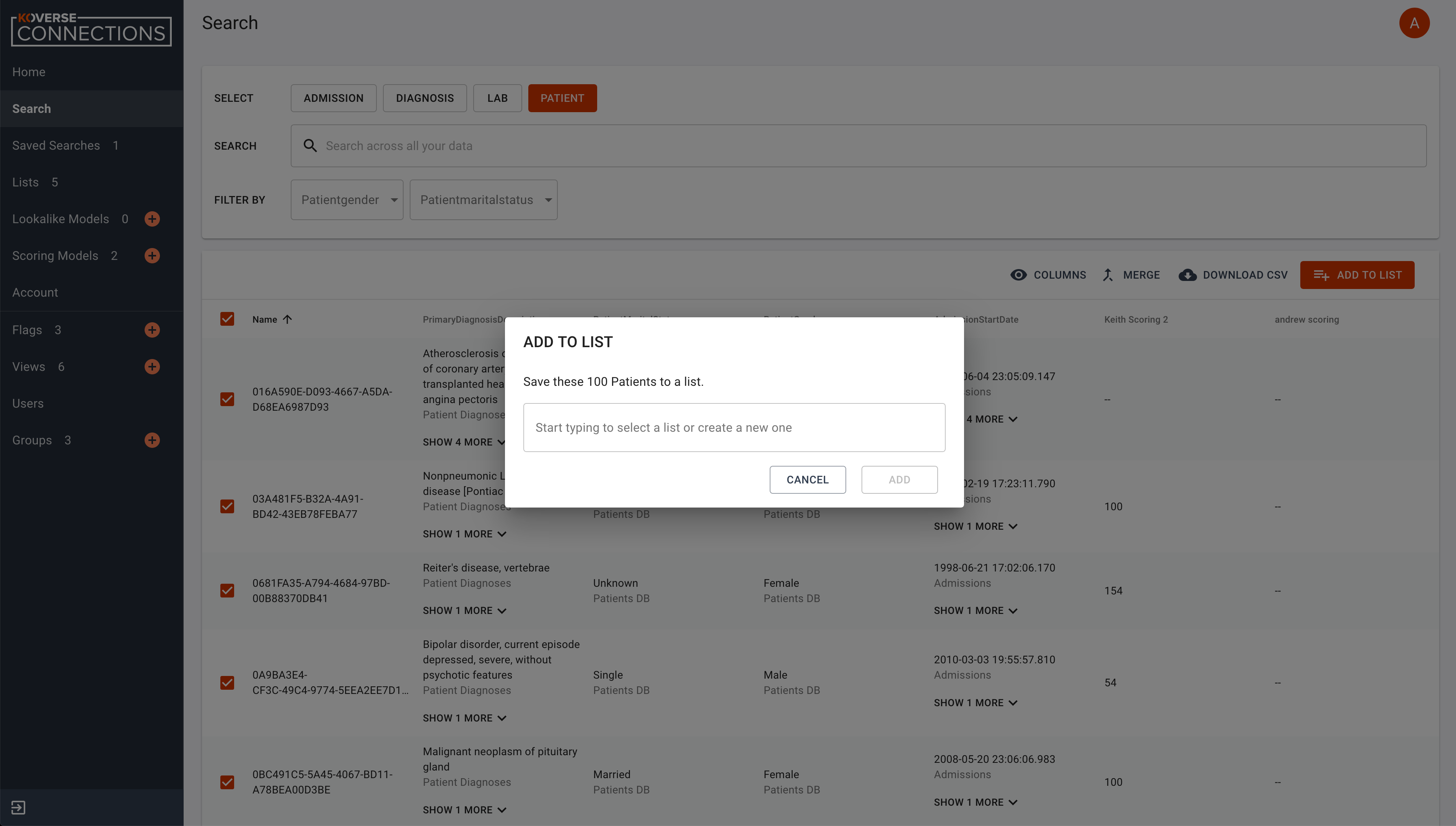
To add entities to an existing List, or create a new list, select one or more entities you wish to add to a List and click “Add to List”.
You will be prompted to select the List where the object or entities will be added, or type the name of a new list you wish to create. Click “Add” or “Cancel” to finalize your choice.
Delete
You can use the delete button next to any row to remove it from a list.